
Notion AI – Intelligent Writing and Productivity Assistant
Notion AI is an AI-powered productivity tool integrated into the Notion workspace that helps users write faster, brainstorm ideas, summarize content, and automate knowledge workflows.
What is Notion AI?
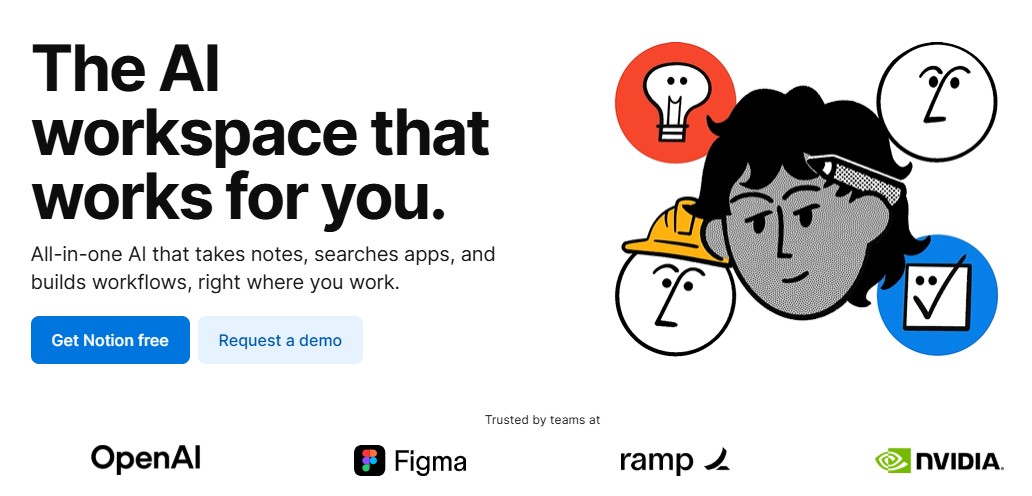
Notion AI is the artificial intelligence extension of Notion, the all-in-one productivity and collaboration platform. Notion AI enhances your workspace by providing contextual writing assistance, insights, content generation, and smart summarization directly within your notes, docs, and databases.
Whether you’re drafting ideas, creating meeting notes, polishing text, or generating action items, Notion AI simplifies the process and helps teams and individuals work more efficiently and creatively — all within your existing Notion workspace.
Key Features
- Smart content generation and idea expansion
- Auto-summarization of notes and documents
- Grammar and style improvement suggestions
- Task extraction and action item generation
- Database insights and relationship inference
- Multilingual writing support
- Templates with AI-driven enhancements
- Context-aware suggestions throughout Notion pages
Pros & Cons
Pros:
- Seamlessly built into the Notion interface
- Improves writing quality and speed
- Enhances task and project workflows
- Works across documents, notes, and databases
- Helpful for both personal and team productivity
Cons:
- Some features require paid subscription
- More effective with clear source content
- Occasional need for manual tweaks or edits
- Not a replacement for specialized writing tools
Who Should Use Notion AI?
Notion AI is ideal for:
- Writers and content creators
- Project managers and team leads
- Students and researchers
- Teams collaborating on docs and knowledge work
- Anyone who uses Notion for daily productivity
Top Alternatives
- Grammarly – Dedicated writing assistant
- Jasper AI – Content creation and marketing writing
- ChatGPT – Conversational AI with broad knowledge
- Microsoft Copilot – Integrated workspace AI
- Gemini – Multimodal AI assistant from Google
Frequently Asked Questions
Q: Is Notion AI free to use?
Notion AI offers limited free access, but full capabilities require a Notion AI subscription plan.
Q: Does Notion AI work in team workspaces?
Yes. Notion AI supports team and enterprise workspaces, bringing AI enhancements to shared docs.
Q: Can Notion AI summarize long documents?
Yes. Notion AI can create summaries of large text blocks, meeting notes, and research data.
Q: Is Notion AI good for SEO writing?
Notion AI can generate structured content, but may need refinement for SEO optimization.
Q: Does Notion AI support multiple languages?
Yes. Notion AI supports multiple languages for writing and summarization.
More Info & Popular Questions
Who Created Notion AI?
Notion AI was developed by Notion Labs Inc., the creators of the Notion productivity platform.
When Was Notion AI Launched?
Notion AI officially launched in early 2023 as an optional paid feature within the Notion app.
How Many Users Does Notion AI Have?
Millions of Notion workspace users globally have access to Notion AI, especially teams and individuals focused on productivity.
Does Notion AI Integrate with Other Apps?
Notion AI works primarily within the Notion ecosystem but can connect to external workflows through Notion integrations and automation tools.
Is Notion AI Available on Mobile?
Yes. Notion AI is available on Notion’s iOS and Android apps.
Can Notion AI Suggest Tasks or Action Items?
Yes. Notion AI can extract tasks and action items from your notes.
Final Verdict
Notion AI brings intelligent writing, summarization, and productivity enhancements to one of the most popular collaboration workspaces. Whether you’re taking notes, drafting documents, or organizing projects, Notion AI offers context-aware suggestions and automation that can streamline workflows and boost efficiency.
👉 Try Notion AI → https://www.notion.so/product/ai